From your first password to thousands of employees. The same private foundation, built to grow with you.
For business
Give every person the access they need, and nothing more
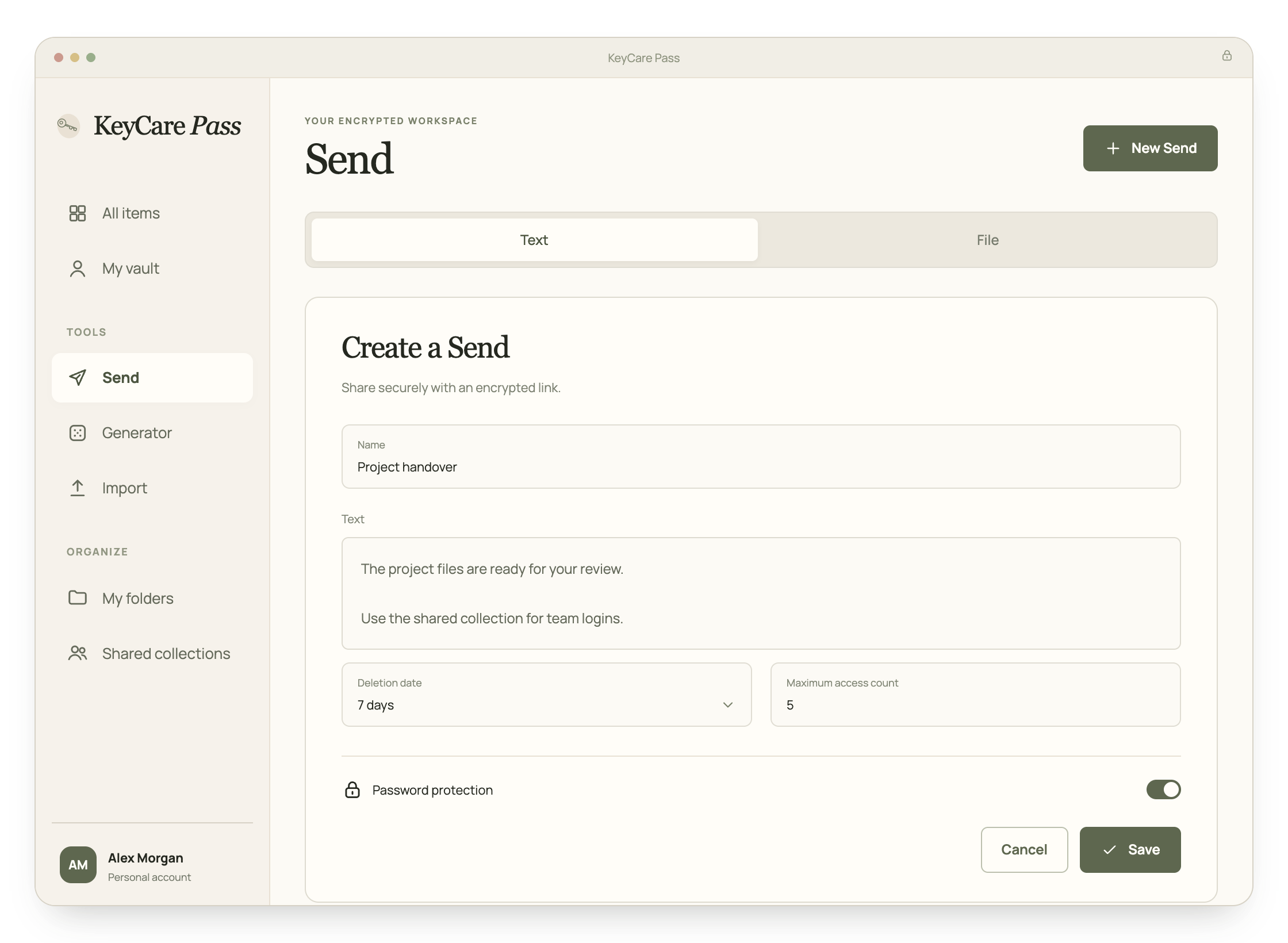
Share logins through collections and groups, set rules for every account, and see who did what in the event log. Add people the day they start and remove them the day they leave.
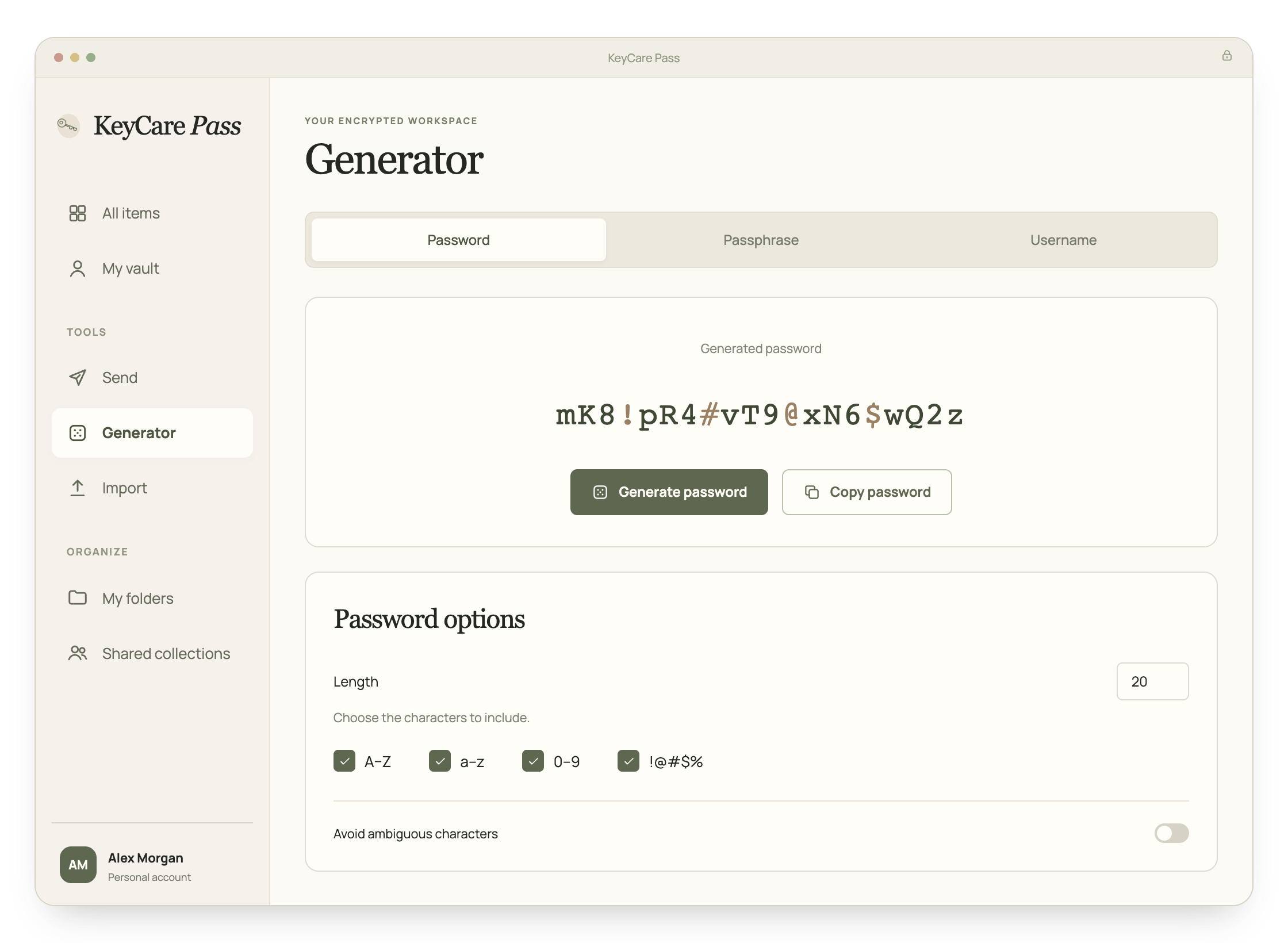
One strong password to remember. KeyCare Pass remembers the rest.
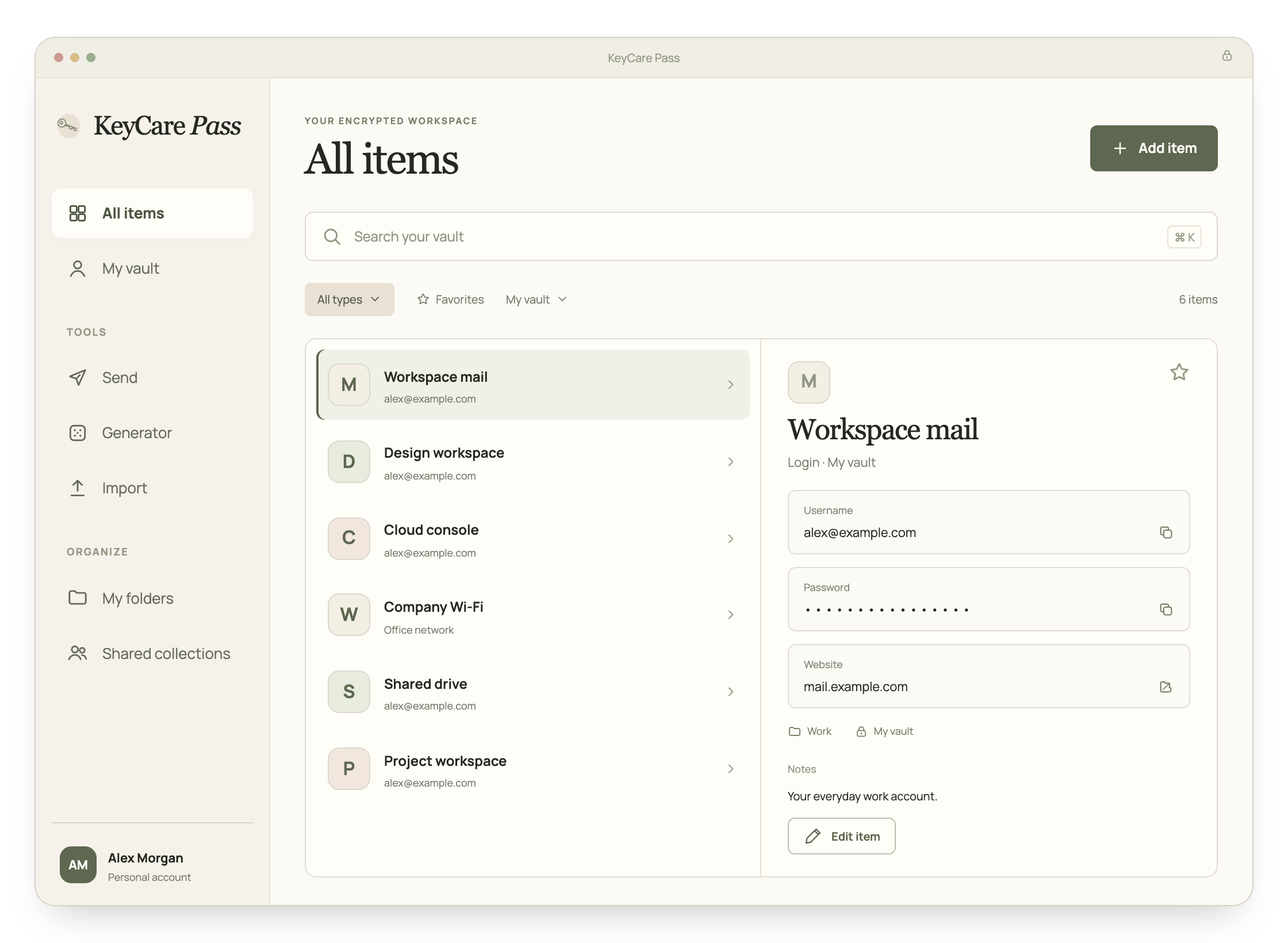
Save logins as you browse, fill them in with a click, and keep cards, notes and passkeys in the same encrypted vault. Families share a household collection and each keep a private vault.
KeyCare Pass is a password manager made by GovPAM. It keeps your passwords, passkeys, cards, identities, secure notes and SSH keys in an encrypted vault, fills them in on websites through the browser extension, and lets families and organizations share them safely.
Can GovPAM see my passwords?
No. Your vault is encrypted on your device with a key derived from your master password, and the server only ever receives the encrypted result. GovPAM never receives your master password, so it cannot read your vault or reset your master password for you.
Is there a free plan?
No. You can create an account and look around the web vault for free, but using the browser extension and saving items needs a plan: Premium for one person, Families for up to five, or Teams, Business and Enterprise for organizations. Teams, Business and Enterprise can be tried free for 14 days, with no card needed.
Which browsers and devices can I use?
Get the Windows app from Microsoft Store, Android from Google Play, or our signed Mac installer for Apple silicon. The iPhone, iPad and Safari apps are waiting for Apple review. KeyCare Pass for Safari supports Apple silicon and Intel Macs on macOS 12 or later. The web vault works in modern browsers, and the extension can be installed manually in Chrome, Microsoft Edge, Brave, Opera and Vivaldi. See the download page.
Can I bring my passwords from another password manager or my browser?
Yes. Export them from your current password manager or browser and import the file in the web vault under Tools > Import. The help center has steps for the common ones.
Where is my data stored?
KeyCare Pass uses Cloudflare infrastructure and a Neon database in London, United Kingdom. Organizations that prefer can run KeyCare Pass on their own server instead. The trust center lists the services involved.
What happened to KeyGuard Password?
KeyGuard Password is now called KeyCare Pass. Your account, your vault and your master password stay the same. Read what changed.
A more secure day starts here.
Protect yourself, your household or your entire organization with KeyCare Pass.